
Twibird:Search and organize your Twitter Likes & Bookmarks
Twibird is built for twitter bookmarks search, twitter likes search, and Twitter/X likes and bookmarks management. Find any saved tweet instantly, keep everything organized with tags and folders, and surface what matters at the right time.
🔍 Instant search · auto-sync likes & bookmarks · export anytime
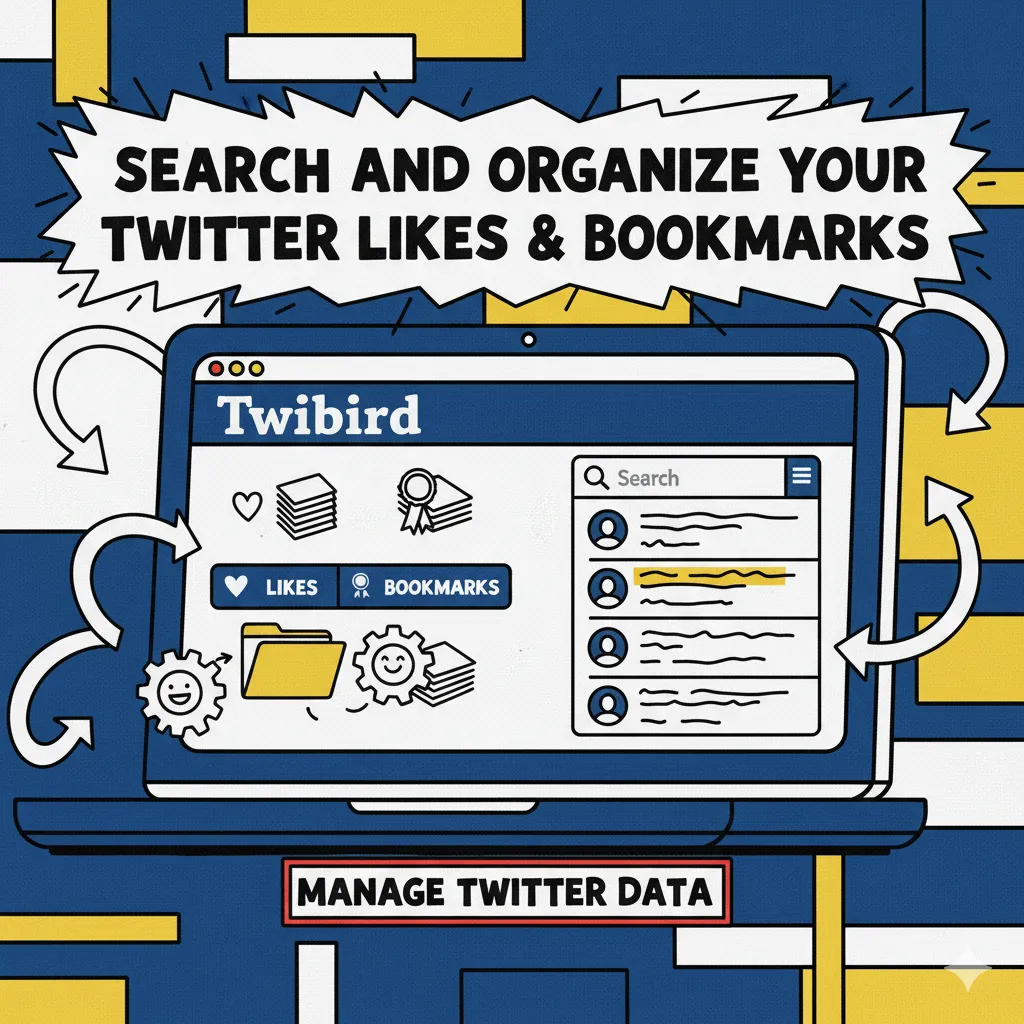
What is Twibird
Twibird keeps every Twitter/X like and bookmark searchable, organized, and ready to reuse. Import your existing saves, add tags and folders, and get to the tweet you need in one search bar.
- Deep search across savesFull-text search that understands tweets, media, and notes so you never lose a saved gem.
- Organize with tags & foldersSort by topic, project, or team with multi-level folders, smart tags, and saved filters.
- Stay in sync automaticallyBackground sync pulls new likes and bookmarks so your library stays current without manual exports.
Why people choose Twibird
Built for researchers, writers, curators, and teams who rely on Twitter/X signals to work faster.
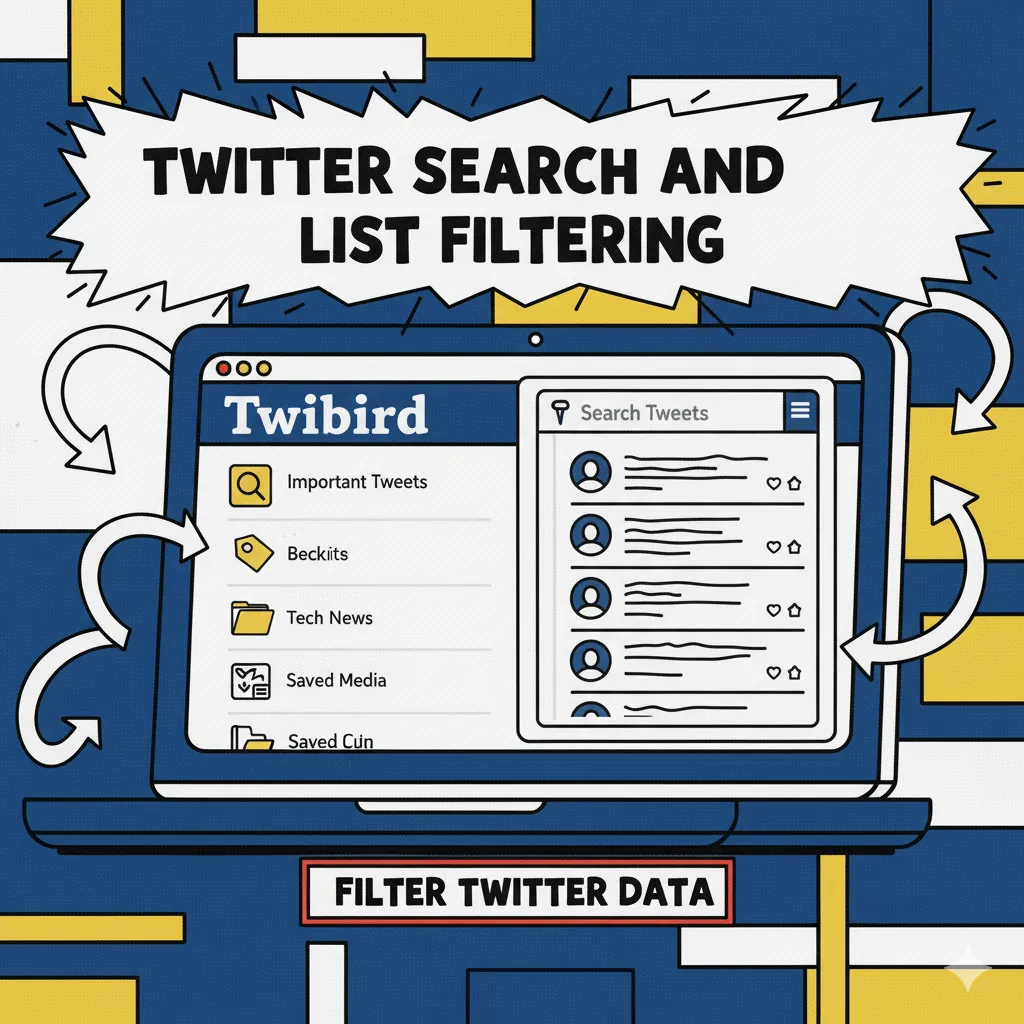
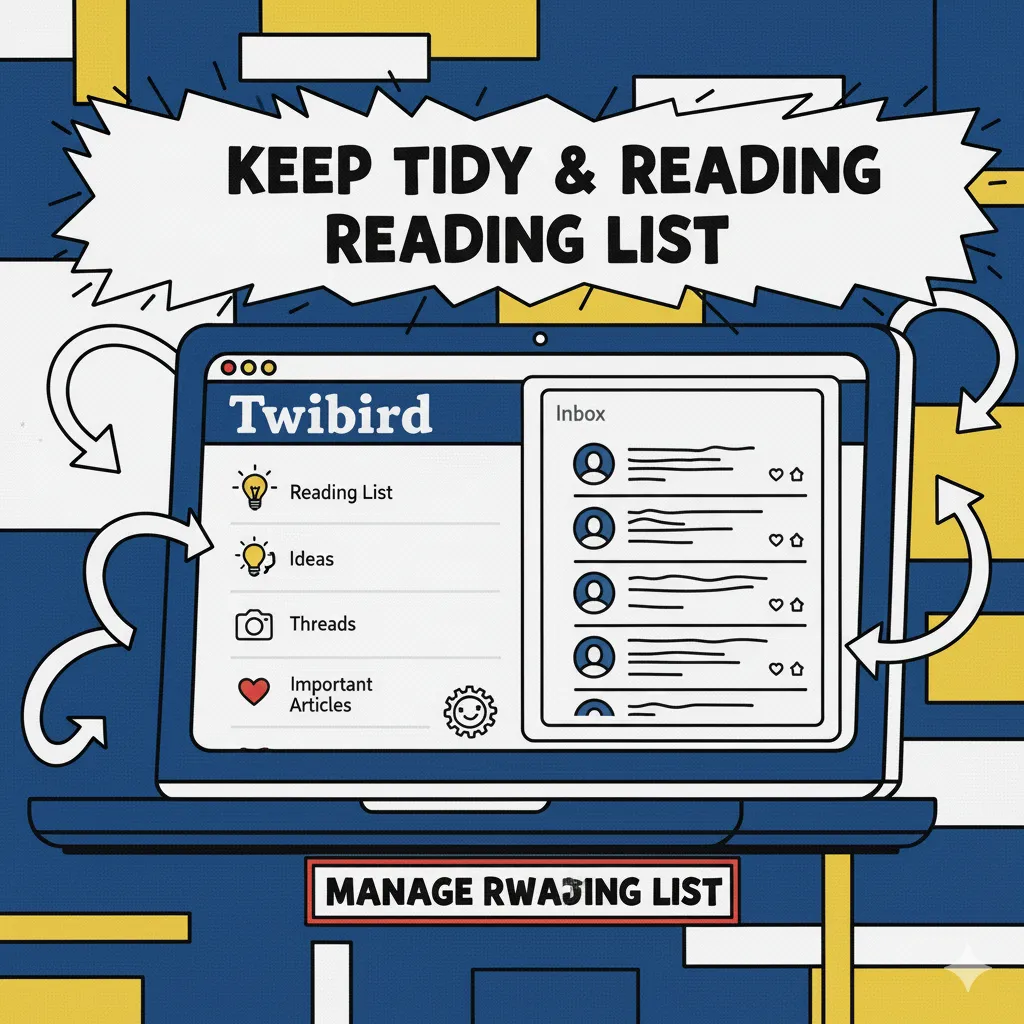
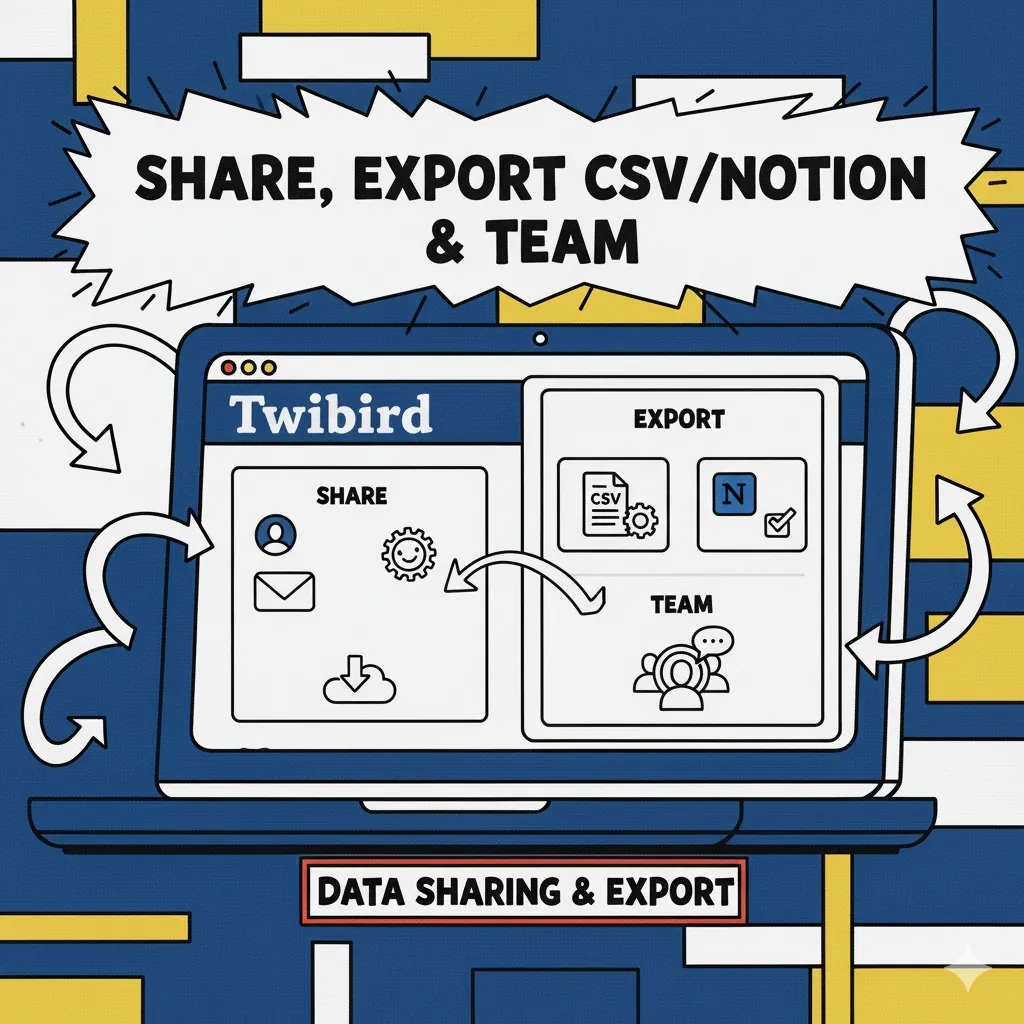
How Twibird works
From import to organized library in minutes:

Twibird feature set
Everything you need for Twitter/X likes and bookmarks management—search, organize, and share.
Unified likes & bookmarks inbox
See every save in one place with status, source list, and quick actions.
Fast full-text search
Search content, handles, hashtags, and notes with typo-tolerant results.
Tags, folders, saved filters
Create reusable views by topic, project, or client; pin critical threads to the top.
Smart reminders
Set follow-up reminders on tweets so you never forget to reply, read, or share.
Exports & backups
Export to CSV/Notion and keep an offline copy whenever you need it.
Privacy-first
Twibird never posts for you; permissions are scoped to reading likes and bookmarks only.
Twibird FAQ
Questions about Twibird? Let us know—happy to help.
What is Twibird?
Twibird is a workspace for twitter bookmarks search, twitter likes search, and Twitter/X likes and bookmarks management with tags, folders, and exports.
Is it safe to connect my account?
Yes. Twibird fetches your likes and bookmarks through the Chrome extension in your browser—no OAuth tokens, no password sharing, and nothing is posted on your behalf.
Will new likes sync automatically?
Yes. The extension runs incremental syncs and reads data in-browser without authorized API calls, keeping your account safer.
Can I export my saves?
Export any collection to CSV/Notion, or download a full backup whenever you want.
How do I organize fast?
Use tags, folders, and saved filters to batch-sort content, then pin important threads to keep focus.
Can I remove my data?
You can disable the Chrome extension at any time to stop new syncs and request deletion of stored data via support.
Ready to organize your Twitter saves?
Start a free trial of Twibird and turn your Twitter/X likes and bookmarks into a searchable, organized library.